
Getting Started
Assessment mode
This is an additional option available when you assign homework. For a more general overview, see here.
Assessment mode is designed for pure assessment. That is, you don’t want to use it as a race but let students answer the questions in their own time and check their knowledge individually. It removes the competitive aspect by making all other players invisible from the player’s view.
Here’s how you can start a game in assessment mode:
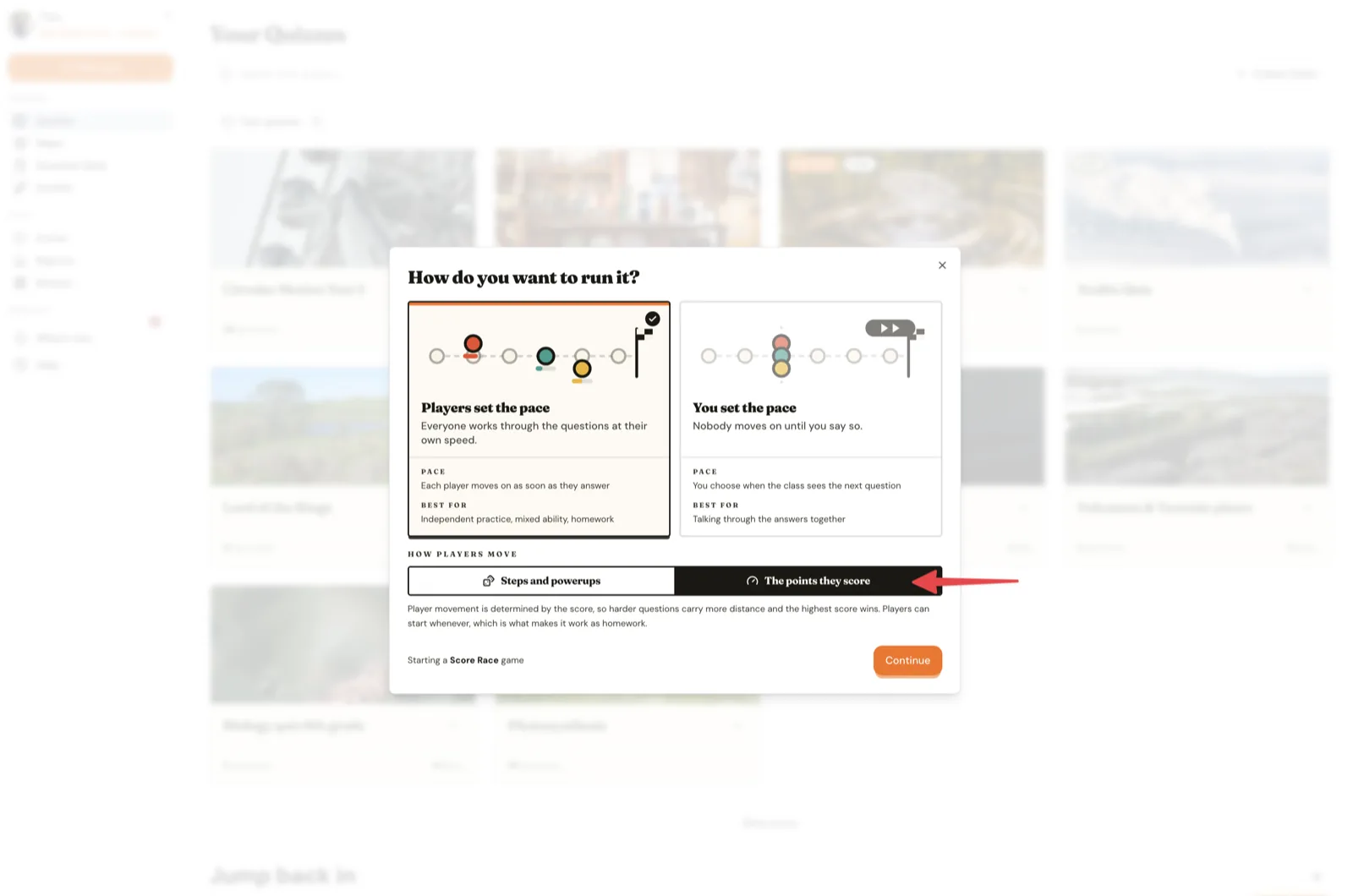
- Assign homework:
- After selecting a map, enable “Assessment mode” on the launch screen:
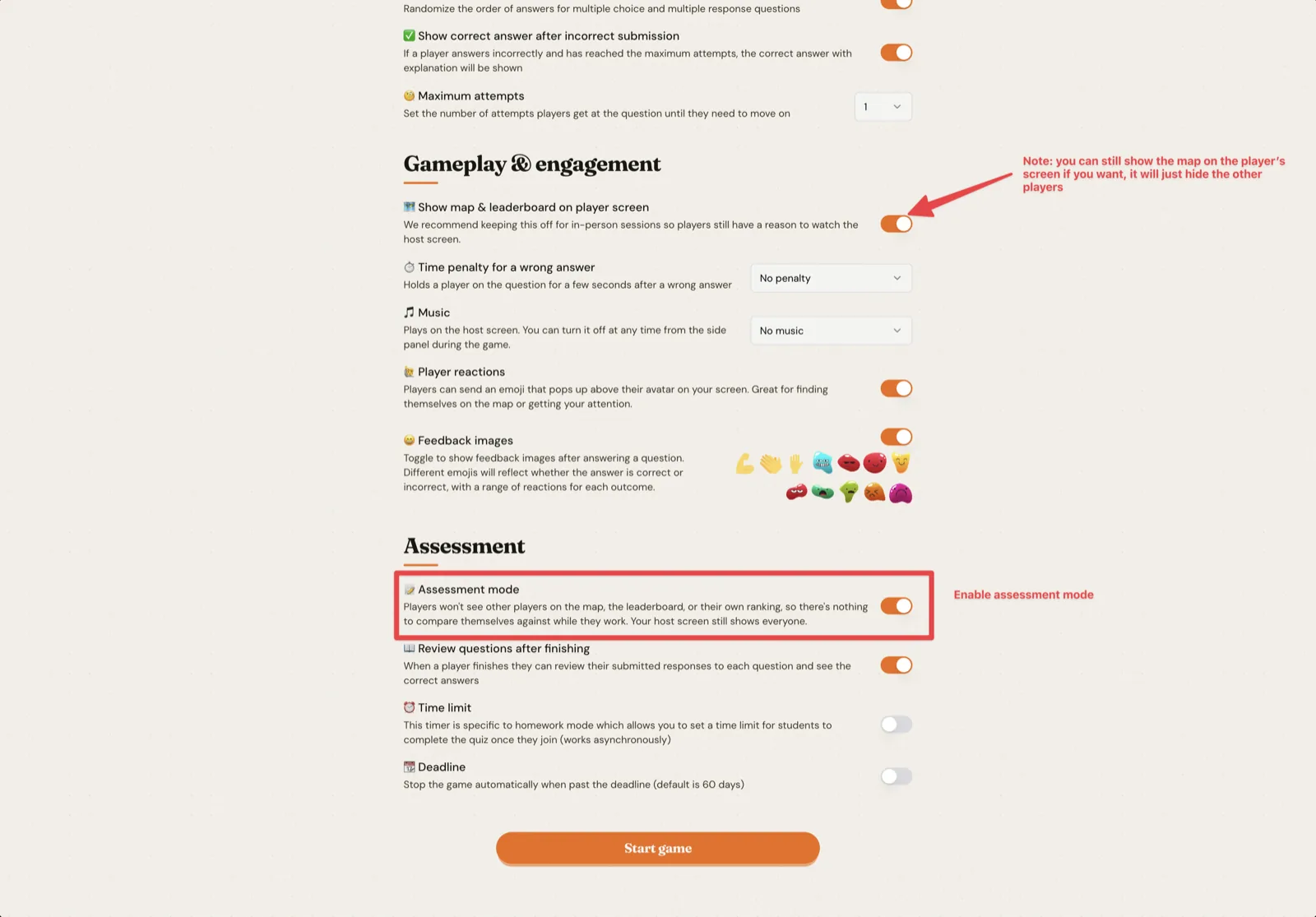
Powerups and answer streaks only run where players move in steps, so they are already off here.
The player’s view will be no longer display other players on the map view and the leader board will also be hidden:
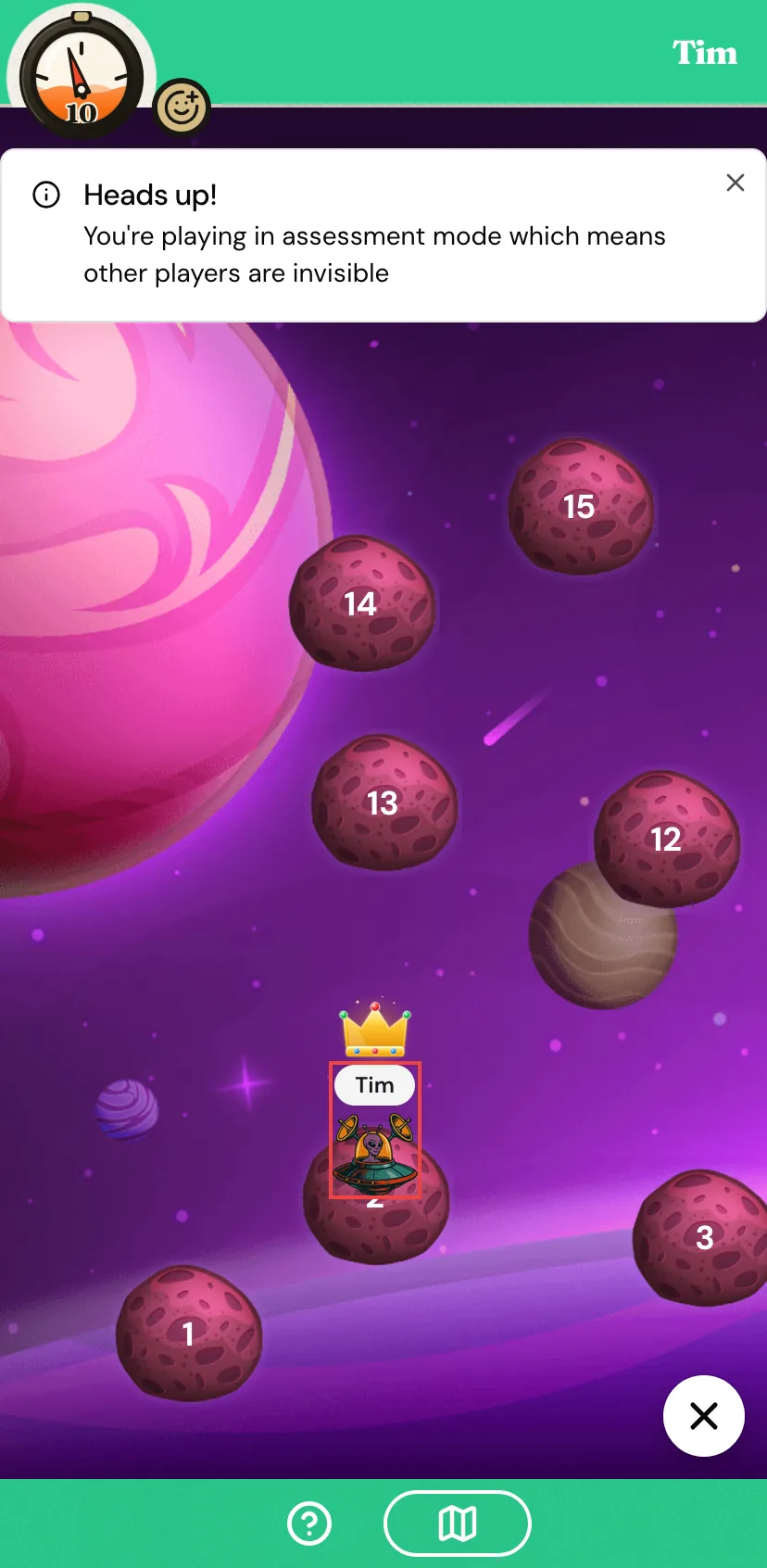
From the teacher’s perspective everything will look the same. You will still be able to see all the players on your screen.