Billing
How to cancel subscription
1 min readUpdated January 3, 2024
You can cancel your subscription at anytime. If you choose to do so, your account will be downgraded at the end of the billing period.
-
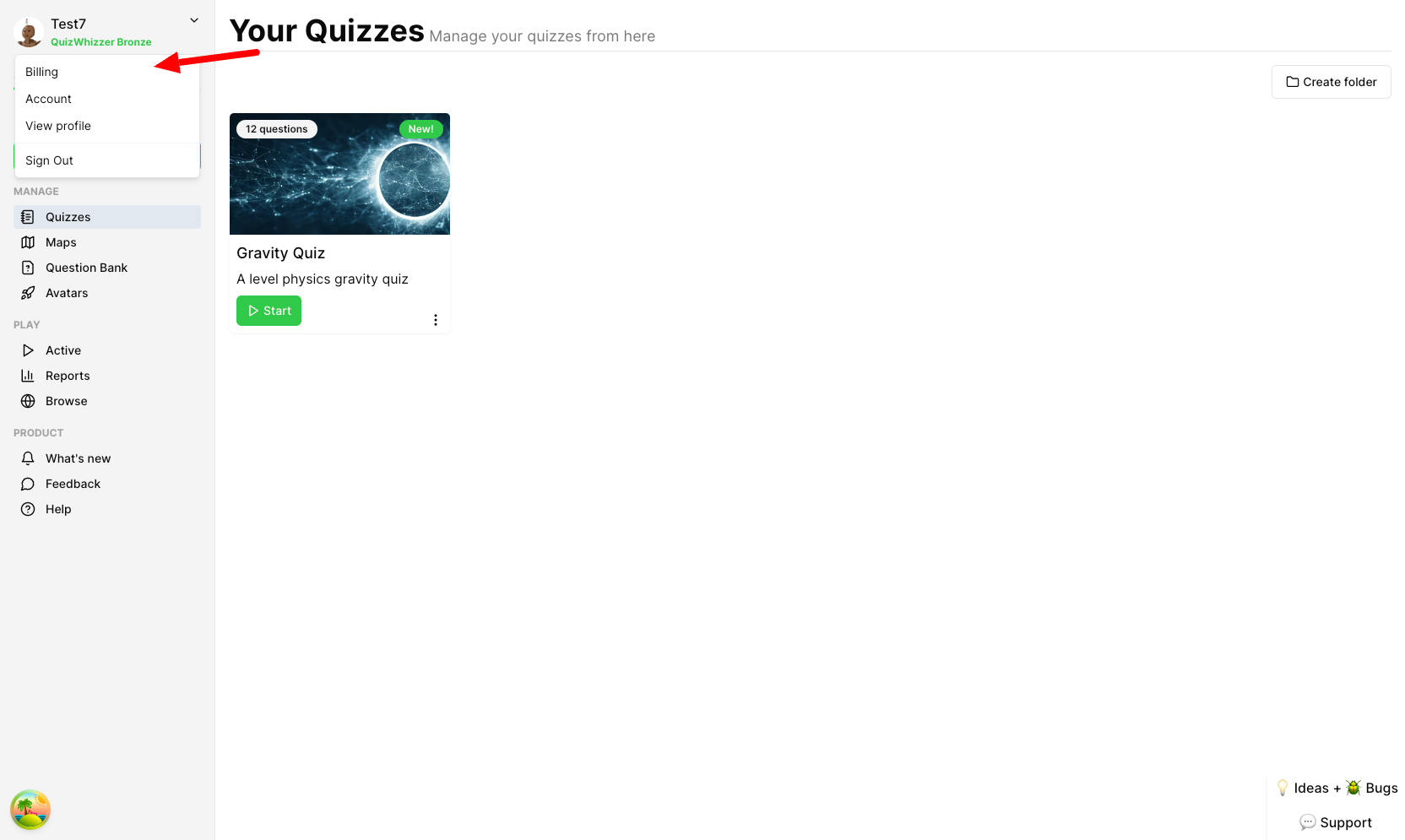
Click on your profile icon at the top left, then Billing.
-
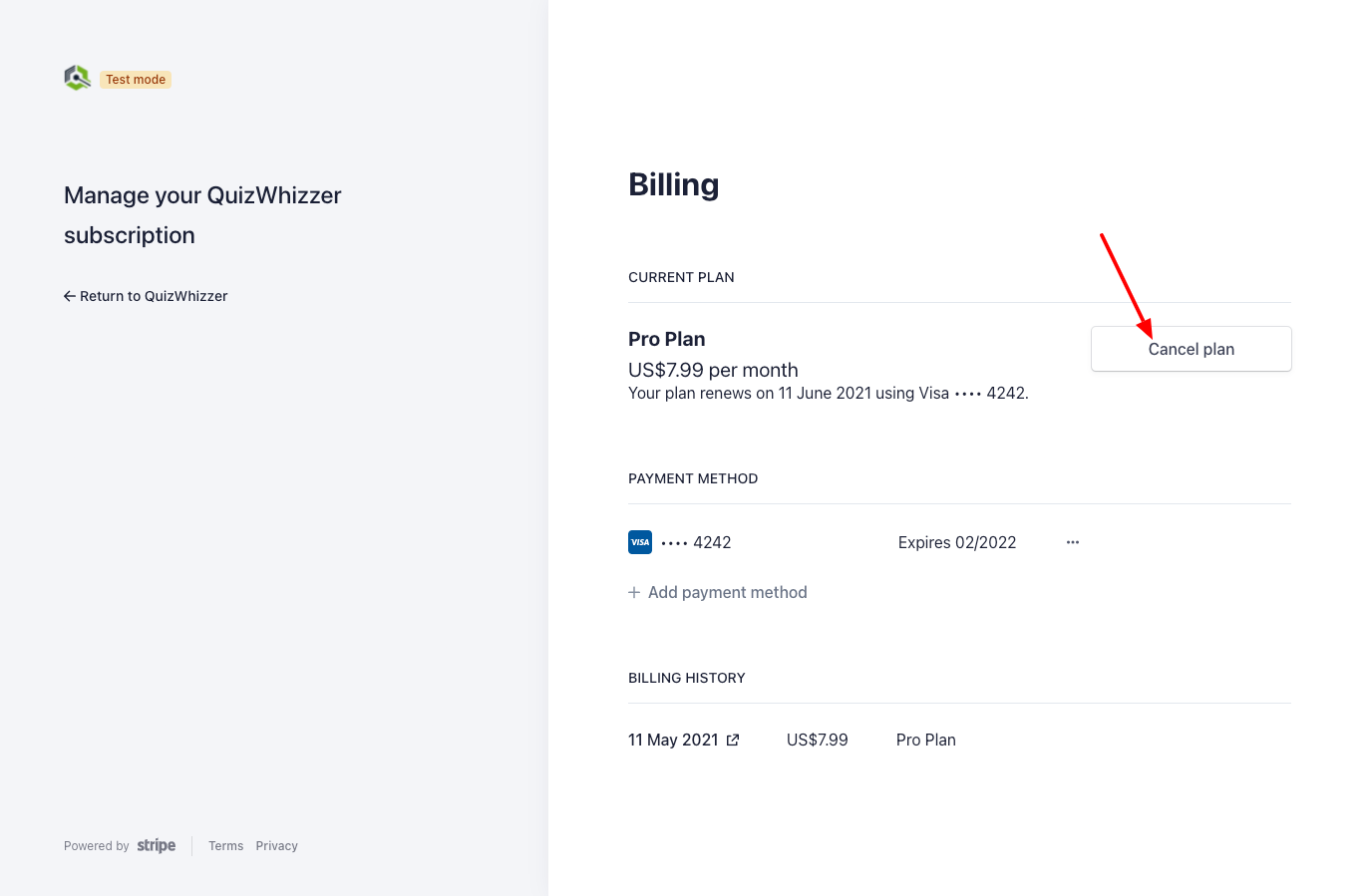
You will now be brought to your billing page where you can manage your subscription. To cancel your subscription, click the Cancel plan button